


Meta description: Considering Joiin for multi-entity financial reporting? Here’s an honest look at Joiin’s features, pricing, and consolidation tools before you sign up.
What Is Joiin?
If you manage more than one company, client, or entity in Xero, QuickBooks, or Sage, you already know how painful manual consolidation can be. Joiin is a cloud-based financial reporting and consolidation platform built specifically for that problem. It connects to your existing accounting software, pulls the numbers together automatically, and turns them into consolidated dashboards, KPI reports, and presentation-ready packs. The company says it’s trusted by roughly 65,000 organisations, mostly accountants, bookkeepers, and finance teams handling multi-entity groups. This guide looks at what Joiin actually does, how the pricing works, and who is likely to get real value from it.
Quick Verdict
Best for: Accountants, bookkeepers, and finance teams managing multiple entities or clients across Xero, QuickBooks, or Sage.
Rating: 8/10
Should you buy it? If you’re currently consolidating group accounts by hand in spreadsheets, Joiin’s automation and per-company pricing model make it worth trialling. If you only manage a single company with simple reporting needs, it may be more than you need.
How Joiin Works
Joiin’s core idea is “aggregate, consolidate, automate.” You connect your data sources (Xero, QuickBooks, Sage, spreadsheets, Pennylane, Puzzle, or other feeds), and Joiin automatically maps and combines them into a single consolidated view. From there you can build financial reports, operational KPI reports, sales and purchasing reports, and branded report packs without re-entering data every month.

Four things stood out when researching how the platform is structured:
- Multi-entity consolidation – manage and consolidate multiple entities or clients on one scalable platform, with intercompany eliminations and chart of accounts mapping handled automatically.
- Real-time dashboards – live, consolidated dashboards update as your source data changes, rather than relying on a monthly export-and-merge routine.
- Powerful reporting – built-in templates for P&L, balance sheet, cashflow, and trial balance, or fully custom layouts with multi-currency support and an Excel add-in.
- Joiin Intelligence (AI insights) – an AI layer that surfaces trends and anomalies across the consolidated data set instead of leaving that analysis entirely to the user.
Key Features That Matter
All Joiin plans include the same feature set – there’s no gated “enterprise tier” holding back core functionality. According to Joiin, the platform is built around six main strengths for finance teams:
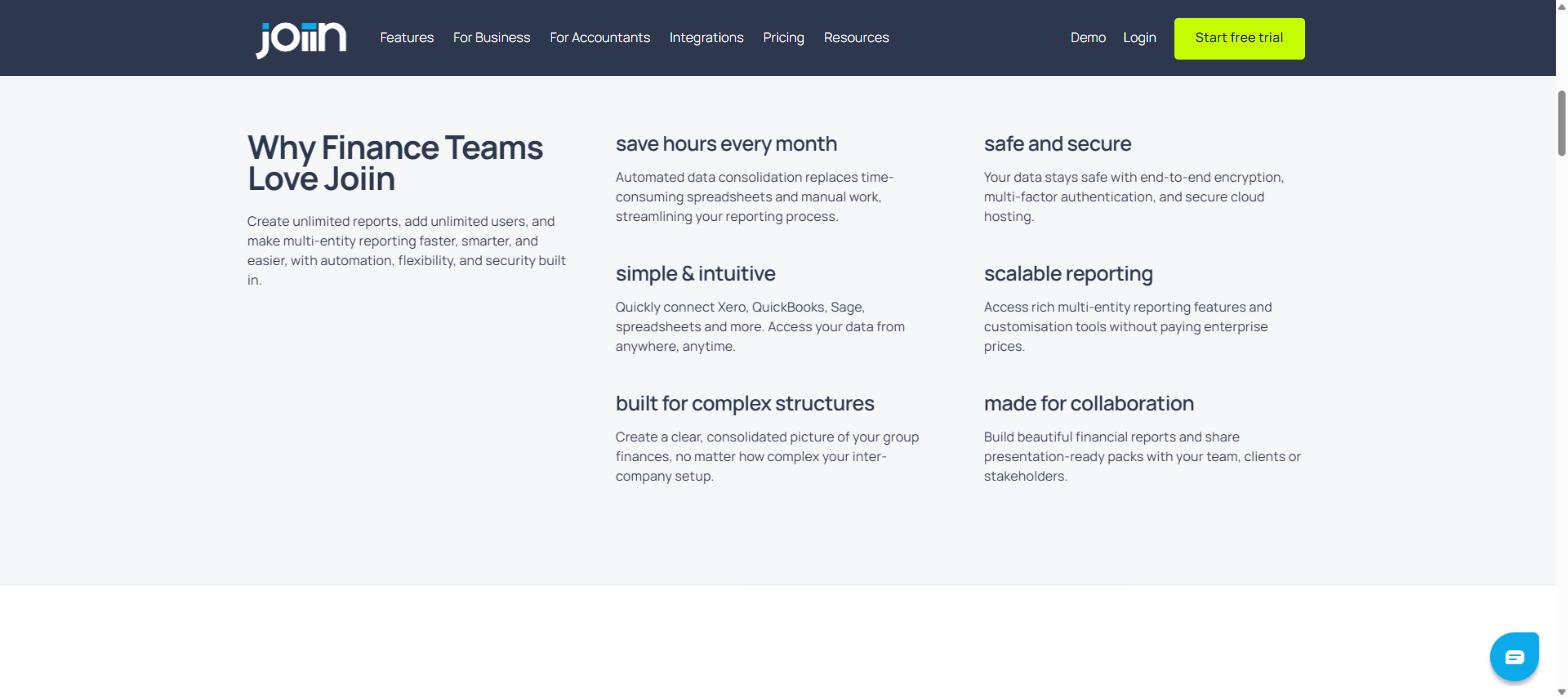
| Feature | What It Does |
|---|---|
| Save hours every month | Automated data consolidation replaces manual spreadsheet work |
| Simple & intuitive | Quick connections to Xero, QuickBooks, Sage, and spreadsheets |
| Built for complex structures | Handles group finances even with layered inter-company setups |
| Safe and secure | End-to-end encryption, multi-factor authentication, secure cloud hosting |
| Scalable reporting | Multi-entity reporting and customisation without enterprise pricing |
| Made for collaboration | Share branded, presentation-ready report packs with clients or stakeholders |
On the integration side, Joiin connects to Xero, QuickBooks, Sage, Pennylane, Puzzle, and spreadsheets directly, and offers Joiin Connect (an API) to push consolidated data into tools like Power BI or Tableau. For teams that need to loop Joiin into other workflows, it also has a Zapier integration.
Joiin Pricing Explained
Joiin uses a per-company pricing model rather than a flat “per-user” fee, which matters because every plan includes unlimited users and unlimited reports. You only pay based on how many companies or entities you need to consolidate, and annual billing saves roughly two months compared to paying monthly. There’s a 14-day free Joiin trial and no credit card is required to start.
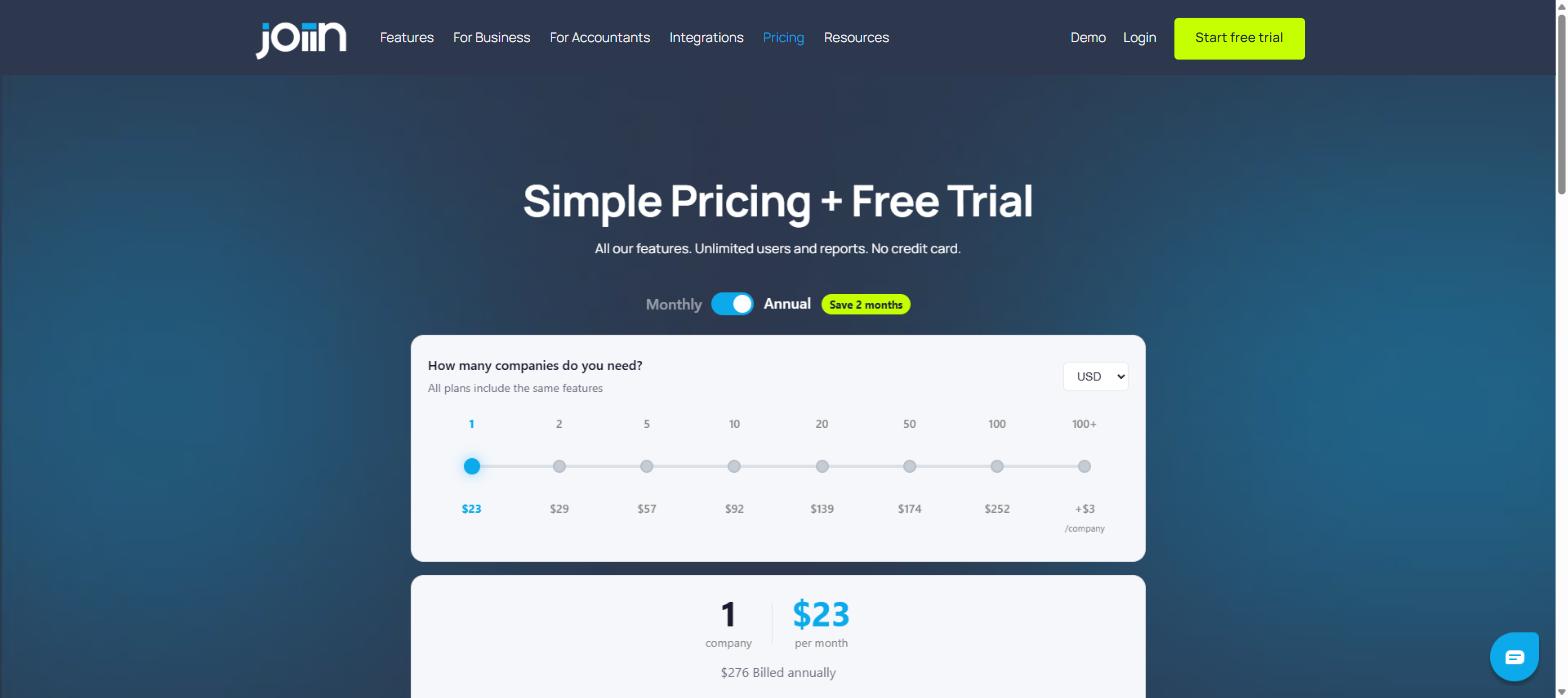
| Companies | Approx. Monthly Price (USD) |
|---|---|
| 1 | $23 |
| 2 | $29 |
| 5 | $57 |
| 10 | $92 |
| 20 | $139 |
| 50 | $174 |
| 100 | $252 |
| 100+ | $252 + $3/company |
For a solo accountant with one or two clients, this lands at well under $30 a month. For a firm juggling 20-50 entities, the per-company cost drops noticeably as you scale, which is a fairer structure than flat enterprise pricing tiers used by some competitors. Every tier includes the full feature set: custom reports, report packs, KPI reports, budgeting and forecasting, multi-currency support, and the Excel add-in.
Who Should Use Joiin
Joiin is aimed squarely at two groups. The first is in-house finance teams – CFOs and finance managers at businesses running multiple subsidiaries, franchises, or trading entities who need one consolidated view of the group instead of stitching spreadsheets together every month-end. The second is accountants and bookkeepers who manage several clients and want to switch between them under one subscription rather than paying per client for separate tools.
If you only run a single company with straightforward reporting, Joiin’s consolidation features are probably more than you need, and a native Xero or QuickBooks report might already cover it. The real value shows up once you’re managing two or more entities and the manual reconciliation work starts eating into billable or productive hours.
Joiin Alternatives
Joiin isn’t the only multi-entity reporting tool on the market. Fathom, Syft Analytics, and Futrli are commonly mentioned alternatives, and each has a slightly different focus – some lean more toward single-entity forecasting, others toward benchmarking. What sets Joiin apart, based on its own marketing, is the combination of per-company (not per-user) pricing, unlimited users and reports on every tier, and dedicated intercompany elimination tools built for genuinely complex group structures. If your main need is single-company forecasting rather than multi-entity consolidation, it’s worth comparing feature lists directly before committing.
Frequently Asked Questions
Does the Joiin free trial require a credit card?
No. Joiin offers a 14-day free trial with no credit card required to sign up.
Which accounting platforms does Joiin integrate with?
Joiin connects directly with Xero, QuickBooks, Sage, Pennylane, Puzzle, and spreadsheets, plus Power BI and Tableau via Joiin Connect (API), and Zapier for broader workflow automation.
Is there a limit on users or reports?
No. Every Joiin plan, from 1 company to 100+, includes unlimited users and unlimited reports. Pricing scales only with the number of companies you consolidate.
Does Joiin handle multiple currencies?
Yes, multi-currency support and automatic FX conversions are included across all plans, which matters for groups with entities trading in different currencies.
Final Verdict
Joiin solves a specific, recurring pain point: manually stitching together financial data from multiple entities every reporting period. For accountants managing several clients or finance teams overseeing a multi-entity group, the automation, intercompany eliminations, and per-company pricing model make a genuinely strong case. It’s less compelling if you only manage one straightforward entity, where the consolidation tools go largely unused.
Given the 14-day free trial requires no credit card, the lowest-risk way to judge fit is to connect one real entity and see how the automated consolidation compares to your current spreadsheet process.